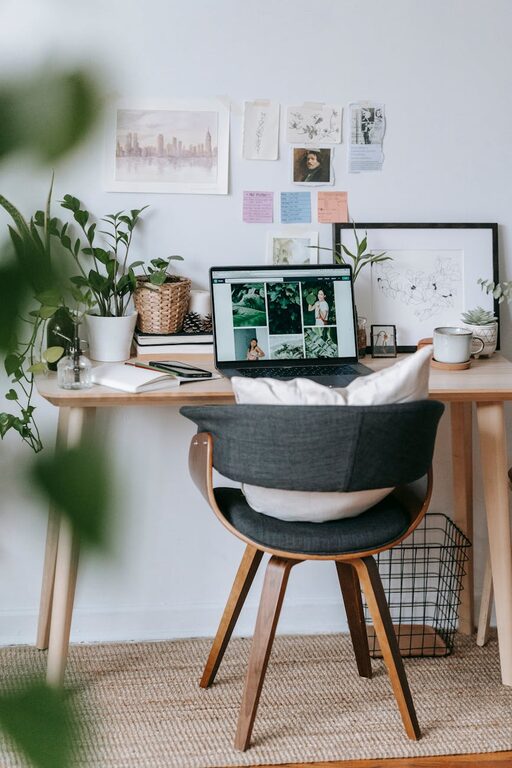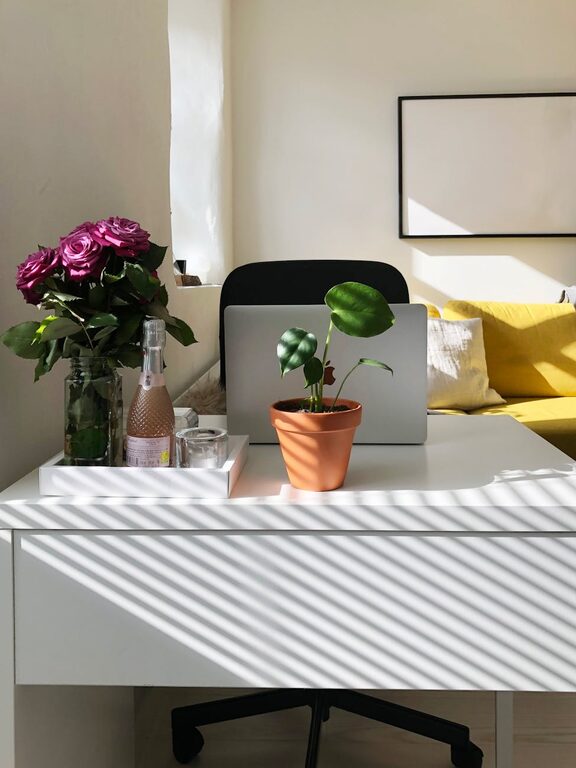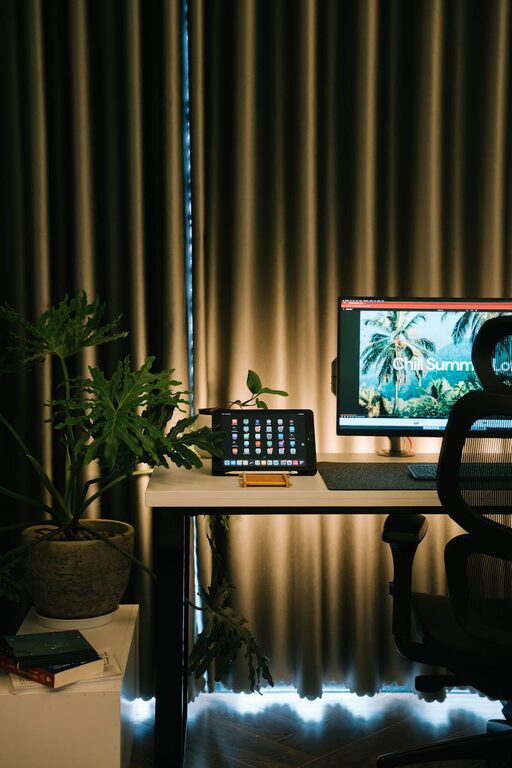
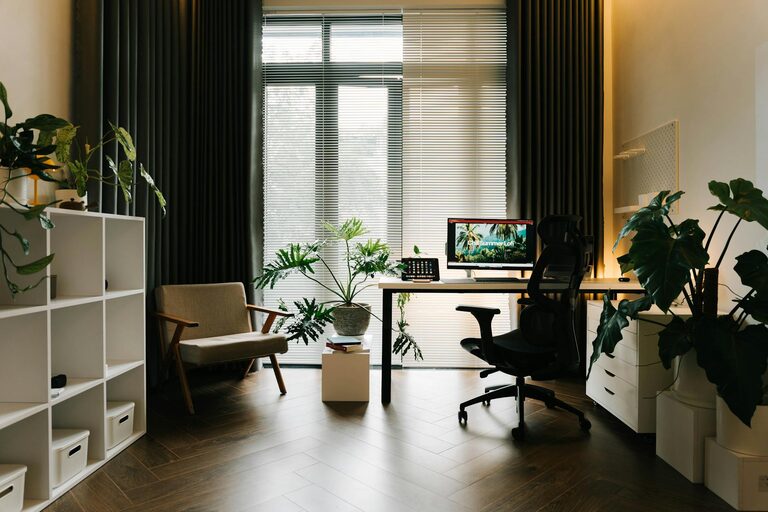
Setting up a home office that balances coziness with productivity can transform your work-from-home experience. Whether you’re a freelancer, remote employee, or managing a side project, having a dedicated workspace helps maintain focus and work-life balance. Here are practical tips to create a home office that feels inviting and boosts your efficiency.
Choose the Right Location
Select a spot in your home that offers enough space and quiet to work comfortably. Ideally, choose a space with natural light to enhance mood and alertness.
– Quiet corners or spare rooms work well to minimize distractions.
– Avoid areas with high foot traffic or noise.
– If space is limited, consider a nook or clear a section of a room with a screen or bookshelf for separation.
Invest in Comfortable Furniture
Comfort is key to staying productive for long periods.
– Select an ergonomic chair that supports your posture and reduces back pain.
– Use a desk that fits your workflow; it should be large enough for your essentials but not overcrowded.
– Adjustable desks or standing desks can help reduce fatigue.
Optimize Lighting
Good lighting reduces eye strain and keeps you alert.
– Position your desk near a window to take advantage of natural light.
– Use a desk lamp with adjustable brightness for overcast days or evening work.
– Avoid harsh overhead fluorescent lights if possible.
Keep Your Space Organized
A clutter-free workspace encourages focus.
– Use storage solutions like shelves, drawers, or desk organizers.
– Keep only essential items on your desk to prevent distractions.
– Regularly declutter papers, cables, and supplies to maintain order.
Personalize Your Workspace
Adding personal touches makes your office a place you enjoy spending time.
– Decorate with plants to bring in a bit of nature and improve air quality.
– Choose artwork or photos that inspire or calm you.
– Use color schemes that feel soothing yet energizing, such as soft blues or greens.
Manage Technology Needs
Technology is essential but can also cause distractions if unmanaged.
– Invest in reliable hardware—computer, keyboard, mouse—that suits your tasks.
– Keep cables tidy with clips or sleeves.
– Use noise-canceling headphones if you work in a noisy environment.
Set Boundaries and Routine
Your workspace should support a healthy work routine.
– Define working hours and stick to them.
– Communicate boundaries with family or housemates.
– Take short breaks during the day to stretch and recharge.
Incorporate Ergonomic Accessories
Enhancing ergonomics can increase comfort.
– Use a laptop stand to ensure your screen is at eye level.
– Consider a separate keyboard and mouse.
– Add a footrest if your feet don’t comfortably reach the floor.
Keep Motivational Tools Handy
Boost your productivity with helpful reminders.
– Use a whiteboard or corkboard for to-do lists and goals.
– Keep a planner or digital calendar inside easy reach.
– Have water and healthy snacks nearby to stay energized.
Maintain Good Air Quality
Fresh air promotes alertness and well-being.
– Open windows when possible to improve ventilation.
– Add air-purifying plants like snake plants or peace lilies.
– Avoid strong scents or chemicals in your workspace.
Conclusion
Creating a cozy and productive home office space takes a bit of planning but offers great rewards. By choosing the right spot, investing in comfort, organizing efficiently, and adding personal touches, you can build a workspace that supports focus, creativity, and work-life balance. Start with small changes and adjust your setup as you discover what works best for you. Happy working!
About the Author